




 Back to the blog
Travel
Free travel eSIM guide: buy, install and activate
Free PDF guide to getting online on your trip with a HolaSim eSIM: compatibility, choosing a plan, installing on iPhone and Android, and activating it.
An eSIM is the easiest way to get online the moment you land: no shop to find, no SIM card to swap and no roaming bill from your home carrier. We made a free, step-by-step guide so you can buy, install and activate it without mistakes.
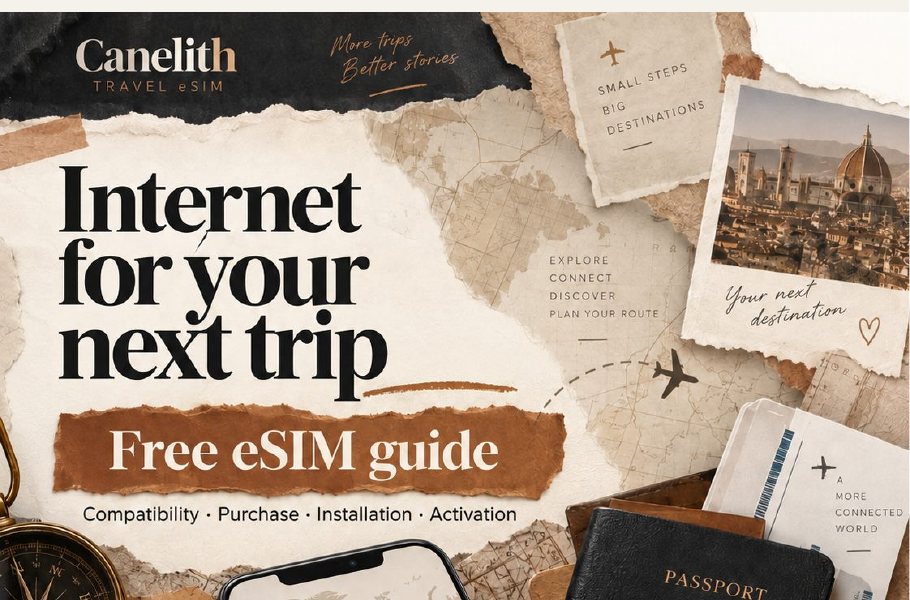
Download the free eSIM guide (PDF, English)
Prefer Spanish? Download the Spanish version (PDF).
What the guide covers
Ten pages, made to read on your phone or print:
| Page | What you learn |
|---|---|
| Before you buy | What an eSIM is and how to check your phone is compatible and unlocked |
| Destination and plan | How to compare coverage, data, validity and hotspot support |
| Buy and check your email | What to check in the cart and what your confirmation email should include |
| Install on iPhone | With a QR code or manual details |
| Install on Android | The route on Samsung and other models |
| Activate on arrival | Which line to use for data and how to avoid charges on your main line |
| During your trip | Managing data and topping up |
| If data does not work | What to check before contacting support, plus a departure checklist |
Check this before you buy
- Your phone supports eSIM and is unlocked. An “Add eSIM” option in settings is a good sign, but confirm your exact model on the official list.
- The plan covers your destination. For several countries, read the full coverage list: a “Global” plan does not include every country.
- Days and data. Check whether it is total GB, a daily allowance or unlimited, and when validity starts.
Installing is not the same as activating
This is the most common mistake. You can install the eSIM at home, on Wi-Fi, days before you travel. Data is used once you activate the line at your destination. Check when your plan’s validity starts: some plans begin as soon as they connect in a covered country. The guide walks you through both steps on iPhone and Android.
10% off HolaSim
Our code ALEXATRAVEL10 gives you 10% off HolaSim. Open the store through this link and the code is applied automatically:
Open HolaSim with my discount →
The link opens the Spanish site; switch to English from the language menu. Before paying, check the discount appears and review the final total. If it is missing, enter ALEXATRAVEL10 in the cart.
Affiliate link: I earn a commission at no extra cost to you. The guide is free; the eSIM and top-ups are bought separately from HolaSim.
More for your trip
City guides and packing tips are coming soon. In the meantime, if you need an English CV to work or study abroad, or classes to build confidence before you travel, request a quote.